Independent Arizona information
After a crash while using a driver app
Short answer
When it is safe, record what your own driver app shows and build a timeline: app off, available, ride accepted, or passenger aboard. Preserve insurance documents and incident communications, without assuming that an app label proves coverage.
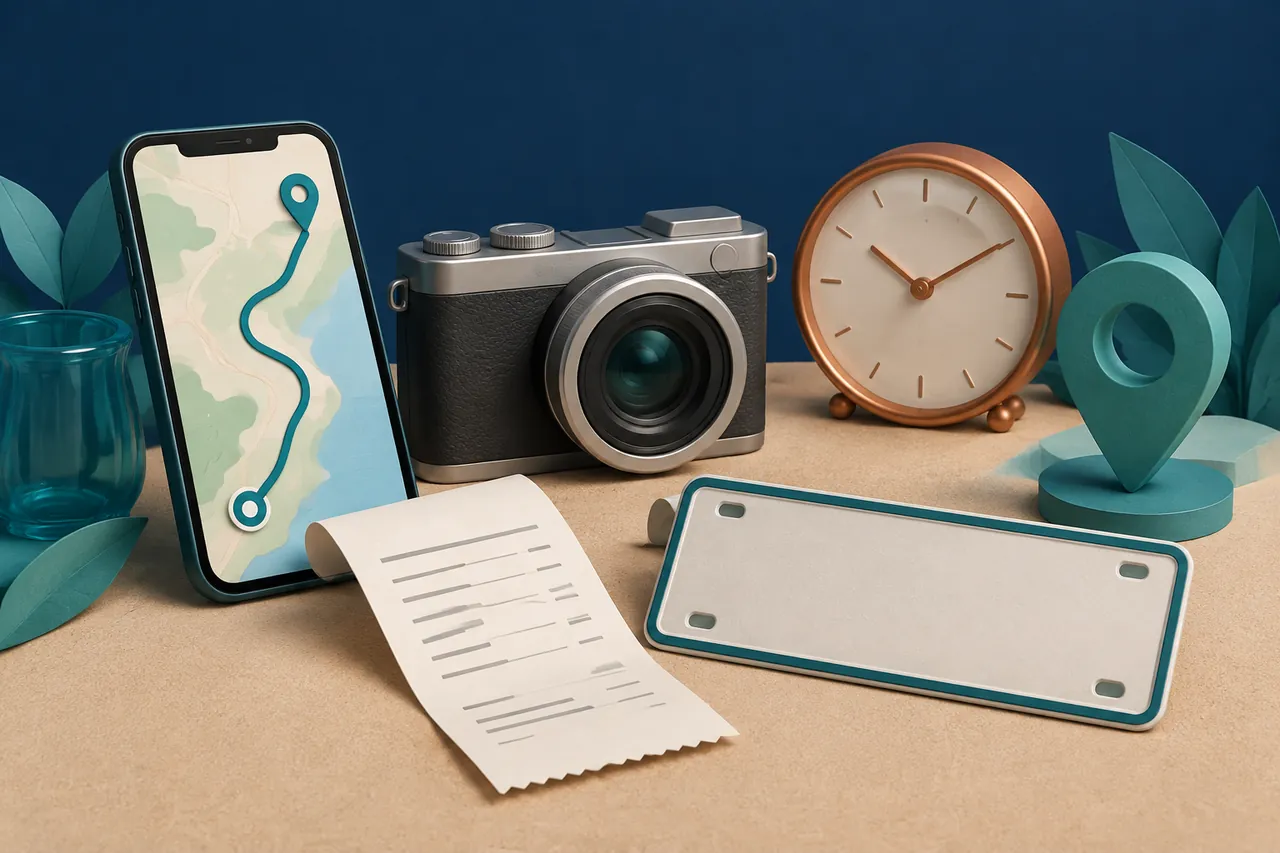
App driver
Save these records
- Login / logout, acceptance, cancellation and trip-end records you can access
- App status at impact; distinguish known facts from later screenshots
- Whether a passenger was actually aboard
- Policy, rideshare endorsement and app insurance documents
- Safe photos, dated notes, support / claim references and report number
Keep records in your own private folder. No upload, submission or data capture occurs here.
Build your free trip records checklistFour distinct states
Trip stage matters.
App availability, acceptance and passenger occupancy are not interchangeable. Unknown is a valid answer.
App off
01Not logged in to accept rides. Record what is known; this is not a coverage conclusion.
Records to keep: Your own timeline and available app records.
Available
02Logged in and available, but no ride accepted. This is distinct from an accepted request.
Records to keep: Status screen and login / logout times, if accessible.
Ride accepted
03A request has been accepted; the passenger may not yet be in the vehicle.
Records to keep: Acceptance time, pickup messages and navigation history.
Passenger aboard
04The passenger is actually occupying the vehicle for the ride; separate from acceptance alone.
Records to keep: Trip receipt, pickup time and your recollection of boarding.
This explainer does not determine coverage, policy eligibility or fault. See A.R.S. § 28-4038 and ADOT’s TNC overview; legal review is pending.
Safety comes before documentation
For an emergency, call 911. Do not remain in traffic, return to a live lane or use a phone while driving to gather records. Document only when safe; missing a photo is better than taking a risk.
Record your app and trip status
- Keep available login / logout, acceptance, cancellation, pickup and trip-end records from your account.
- If you used more than one app, note each separately and mark which states you do not know.
- Save screenshots only when safely stopped. Identify when you took them; a later screen may not reflect the collision time.
- Keep the ride reference, passenger messages and notifications available to you. Do not publish passenger information.
Keep insurance documentation together
Keep your personal policy documents, any rideshare endorsement, app-provided insurance information and the exchange paperwork received after the collision. Note policy periods and which document came from which source, without treating one document as a guarantee.
A.R.S. § 28-4038 addresses proof of insurance, notification to the TNC and insurer/TNC cooperation in a coverage investigation. Read the official text and ask a qualified professional about your circumstances; this site does not make reporting or coverage decisions for you.
Sources for this section
External resources open in a new tab. This site does not request or retrieve reports.
Keep a factual incident log
- Record the collision time and location, passenger occupancy as you remember it, and any uncertainty.
- Keep incident or support reference numbers, insurer claim references and dated correspondence.
- Save your own photos and notes separately from explanations supplied by other people. Do not assign fault based on app status.
Keep originals and separate facts from uncertainty
Keep original photos, receipts, emails and documents in a private folder you control. Back up copies without editing the originals. A screenshot records what you saw at that time; it may not establish the exact app state at the moment of impact.
Write a dated note separating what you saw, what someone told you and what remains unknown. Do not access another person’s account or post private trip information publicly. This site has no upload facility.
Common recordkeeping questions
What if I used more than one app?
Keep each app’s timeline separately. Mark which states are unknown rather than assigning every app the same status.
Does an app screenshot establish coverage?
No. Preserve it with the time it was taken. Coverage depends on facts and policy terms that this site does not assess.
Source & editorial notes
Source checks: original review November 21, 2026; updated source checks November 22, 2026. Legal content review pending; no attorney reviewer assigned. Official resources and clearly identified independent news are linked. No attorney content review is claimed.
Sourced references
- A.R.S. § 28-4038: TNC financial responsibility — Arizona Legislature.
- Insurance requirements for TNC — Arizona Department of Transportation.
- Transportation network companies — Arizona Department of Transportation.
- DPS records requests and solicitation warning — Arizona Department of Public Safety.
Flagged for counsel / editor review
- Legal content review pending; no attorney reviewer or participating legal provider has been approved.
- These are general recordkeeping suggestions, not case-specific legal, medical or insurance advice.
A.R.S. § 28-667: DPS warns against examining or receiving collision reports for commercial solicitation. CCL will not obtain, buy or mine reports to find prospects or contact people.
CCL telephone contacts
Telephone contact, separate from the free records kit
Accident-intake hotline · separate from office reception
Calling opens your device’s phone service. Carrier charges and the telephone service’s practices may apply. This website does not offer online intake or callback requests.
CCL locations, directions and contact limits